Talk To Our Expert, Get A Solution in 20 minutes
Share your LED screen needs. Our experts will provide solutions and a quick response.

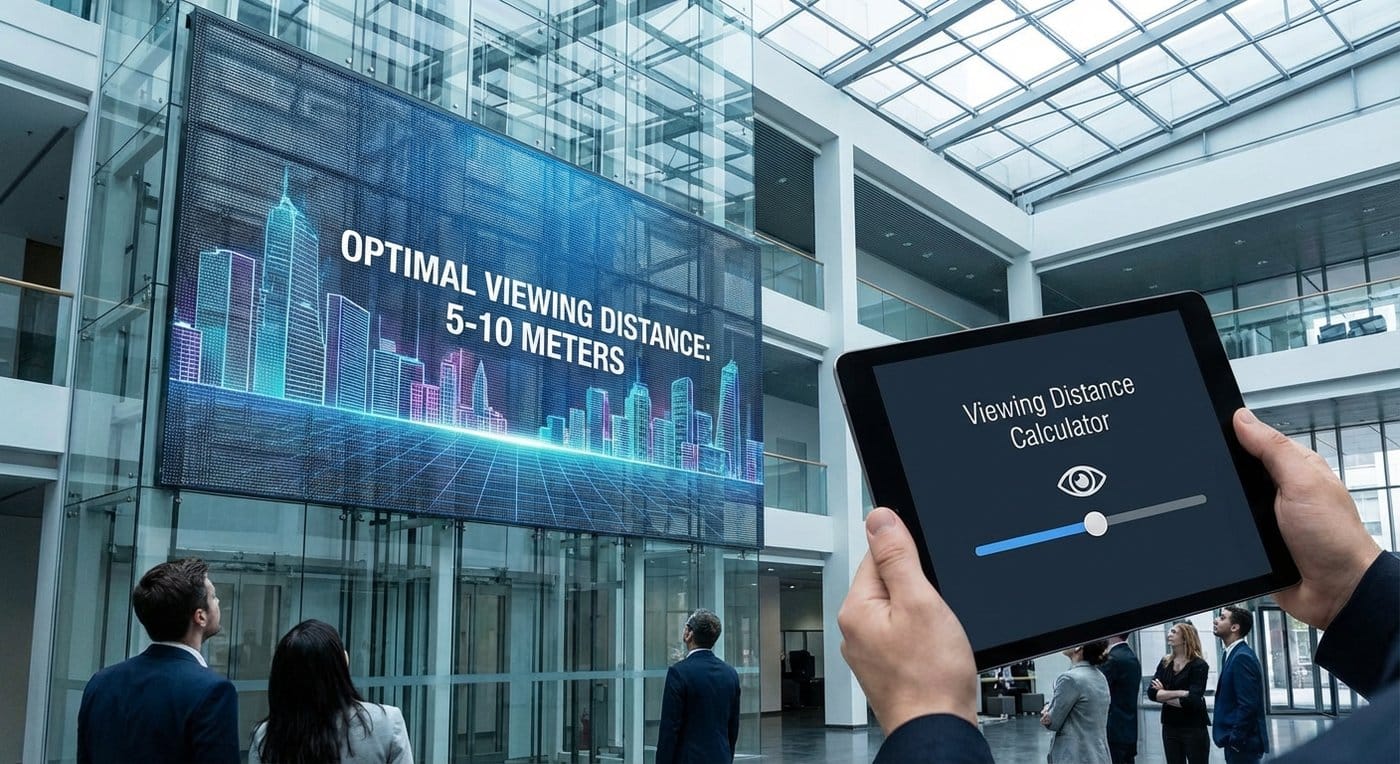
A transparent LED project can look “perfect on paper” and still disappoint in the real world—because the real spec isn’t just pixel pitch, brightness, or transparency. It’s how far people actually stand (and what they’re trying to read).
This guide gives you a practical viewing distance calculator you can use in RFQs and design meetings—grounded in human vision math, then adjusted for the quirks of transparent LED: low fill factor, glass reflections, and the fact that your “background” is a whole building.
Along the way, I’ll reference a few ChinaLEDScreens resources for deeper selection logic, starting with our homepage. (Transparent LED Screens Display)
When people say “viewing distance,” they often mix three different targets:
This is the distance where individual pixels stop dominating. Up close, even a “small” pitch can look like a grid on glass.
This is where faces, gradients, and motion look natural for most viewers—your best “default” number for retail windows and façades.
Text is brutal. A display can look fine for video yet fail for pricing, wayfinding, or brand lines if the viewer is too far (or the font is too thin).
Rule: always calculate all three, then design to the most demanding use case (usually text).
Human visual acuity is often approximated around 1 arcminute for high-detail separation. Translating that into LED terms gives a very useful relationship:
Let:
A good approximation is:
θ (arcmin) ≈ 3.44 × P(mm) / D(m)
Rearrange it:
D(m) ≈ 3.44 × P(mm) / θ(arcmin)
Use these practical targets:
So your base distances become:
D ≈ 3.44 × PD ≈ 1.72 × PD ≈ 1.15 × PExample: P3.9
That may look “long” if you’re used to the casual rule “1 meter per 1 mm pitch.” Here’s the truth: that old rule is basically choosing ~3.4 arcmin (coarser), which can be fine for highways—but not for boutique glass.
Transparent LED is not a normal LED wall with holes. The optics change.
Transparent designs typically have lower luminous area per pixel (and visible strip structure). The same nominal pitch can feel coarser.
Practical adjustment: multiply your calculated distance by:
If you’re still deciding between technology families, this comparison framework helps you avoid category confusion early. (Transparent LED Screens Display)
Behind glass you might have:
A busy background can hide pixel structure (good), but it can also destroy contrast (bad), especially for thin text and pale colors.
Even if the pitch is correct, content can look weak if glass reflections dominate. That’s why distance, pitch, and brightness strategy must be decided together—not in separate emails.
Below is a step-by-step calculator you can run in meetings.
Pick the closest “serious viewer”:
Choose the strictest content you must support:
Choose:
D_reco = 1.72 × P × Modifier
Rearrange:
P_required(mm) = D(m) / (1.72 × Modifier) (for clean video)
For premium/text, replace 1.72 with 2.3–3.44 depending on how “retina” you need it.
Use this as a fast sanity check. (Apply modifiers after.)
| Pitch (mm) | Acceptable (1.15×P) | Clean video (1.72×P) | Premium (3.44×P) |
|---|---|---|---|
| 2.5 | 2.9 m | 4.3 m | 8.6 m |
| 3.9 | 4.5 m | 6.7 m | 13.4 m |
| 5.2 | 6.0 m | 8.9 m | 17.9 m |
| 6.2 | 7.1 m | 10.7 m | 21.3 m |
| 7.8 | 9.0 m | 13.4 m | 26.8 m |
| 10 | 11.5 m | 17.2 m | 34.4 m |
How to use it: If your retail viewers are at 3–5 m, you’re in a “tight distance” scenario—either you choose a tighter pitch technology or you design content that avoids small text.
For clean video: P = 3 / (1.72 × 1.30) = 3 / 2.236 ≈ 1.34 mm
That’s extremely tight—often unrealistic for many transparent screen builds. So you have two levers:
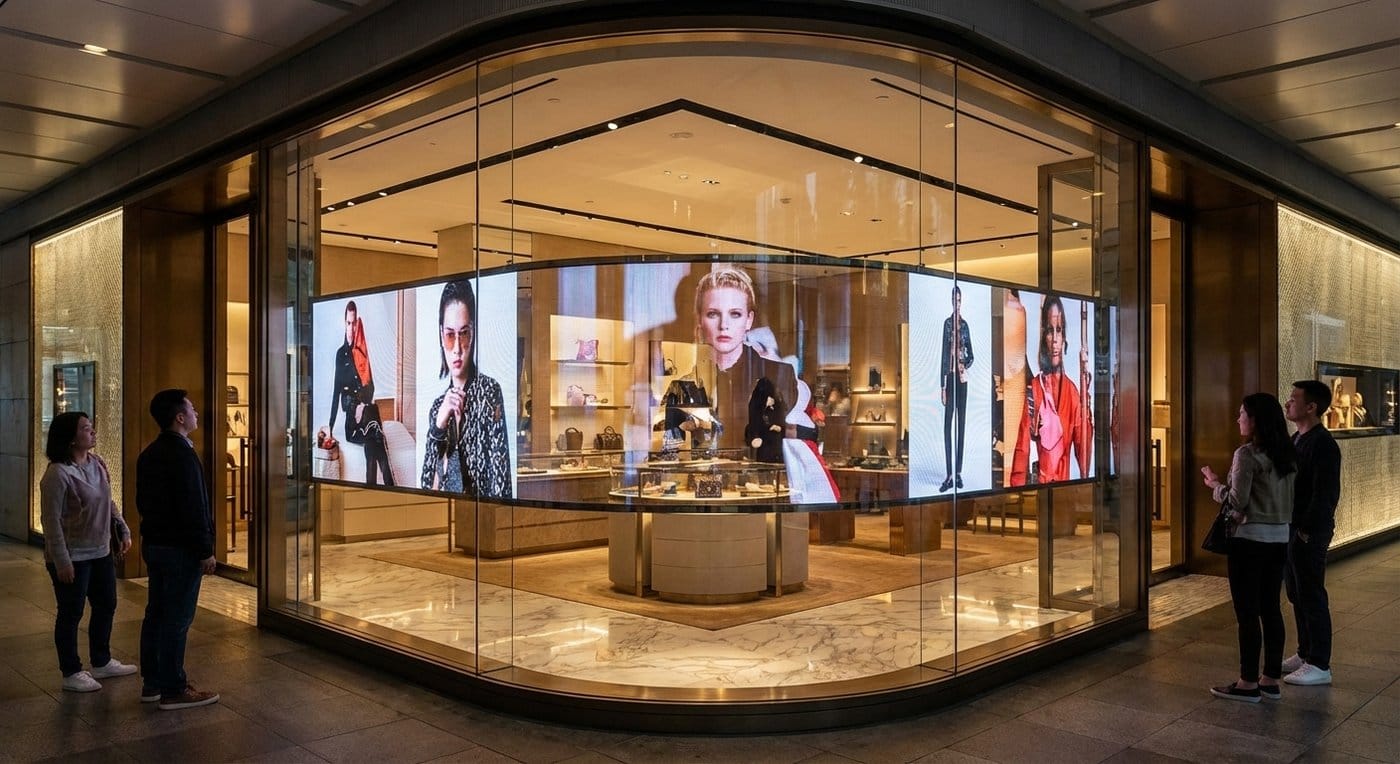
P = 8 / (1.72 × 1.30) ≈ 8 / 2.236 ≈ 3.58 mm So P3.9 can work well here with correct brightness/contrast strategy.
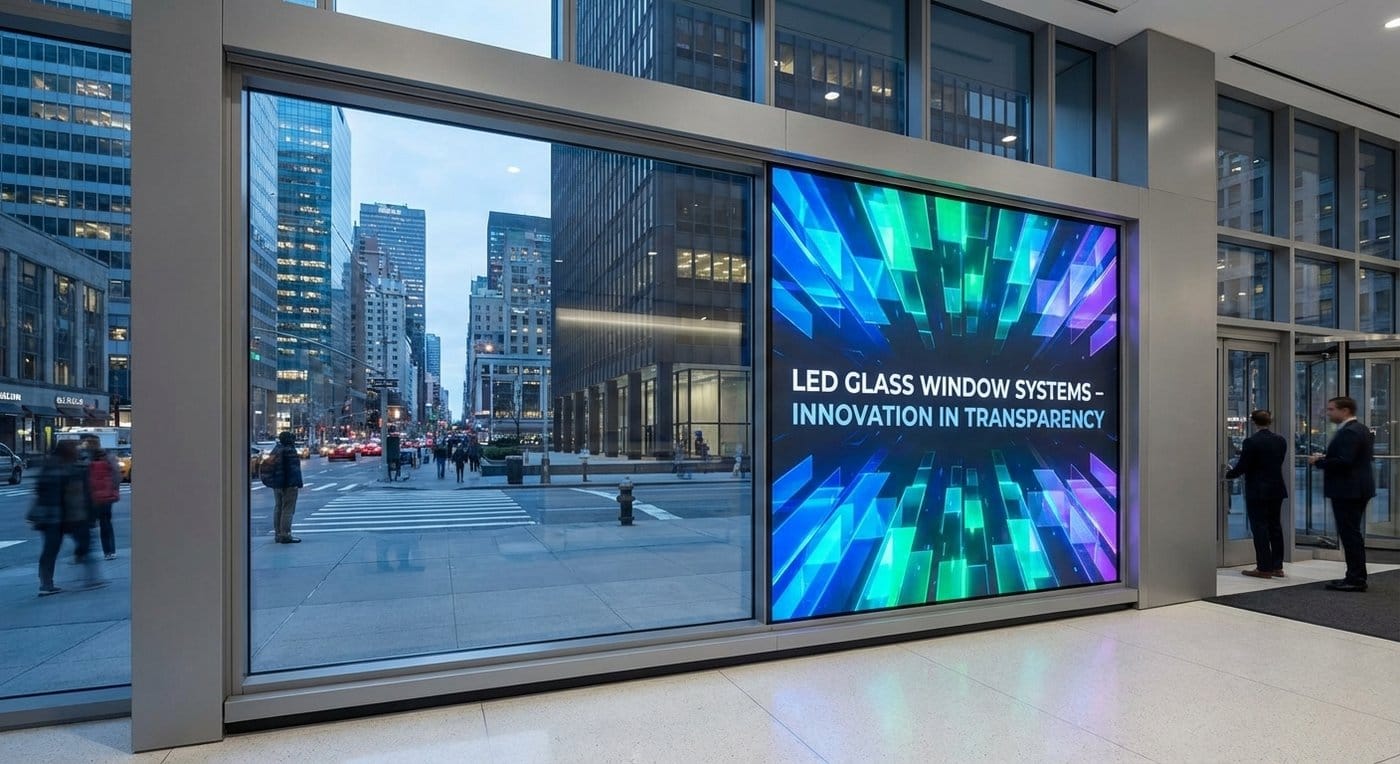
P = 20 / (1.72 × 1.15) ≈ 20 / 1.978 ≈ 10.1 mm This is why long-distance architectural installs often land around P7.8–P10+.
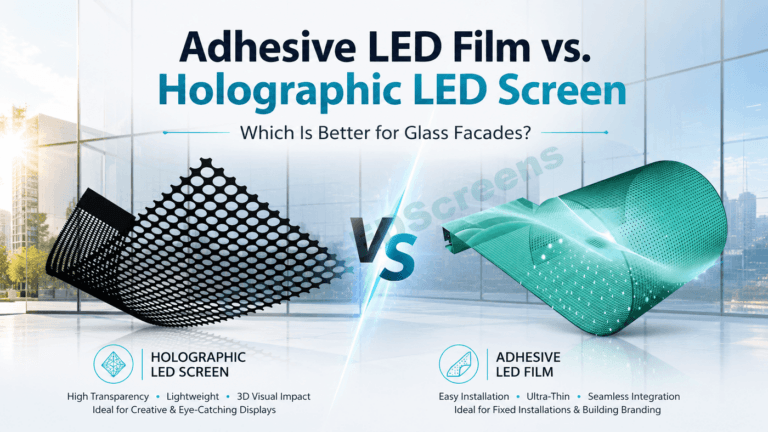
If the project is “glass-first” and retrofitting is critical, teams often compare film families. This guide clarifies LED film vs adhesive flexible film categories (they’re frequently confused). (Transparent LED Screens Display) A representative adhesive flexible film product example is here. (Transparent LED Screens Display)
If the client ever wants pricing, menus, or wayfinding, define:
Reflections, interior lighting, and background motion can turn a good pitch into a bad experience. If daylight is strong, you may need:
For large video surfaces, a separate rule helps:
Final recommended distance should be:
D_final = max( pitch-based distance , height-based comfort distance )
Mesh, grille, film, glass—each behaves differently with distance and wind load. If you’re evaluating mesh/curtain-style solutions, this mesh LED guide includes the key distinction teams miss early. (Transparent LED Screens Display)
Include these lines in your RFQ to prevent “spec drift”:
If you also need a broader “system-level” refresher for stakeholders, this LED screen fundamentals guide is a good internal reference to align expectations. (Transparent LED Screens Display)
A viewing distance calculator doesn’t replace samples—but it prevents wrong-category and wrong-expectation decisions before anyone orders steelwork or signs off on glass.
If you want, share your closest viewing distance + content type + transparency target, and I’ll translate it into a pitch range and a buyer-grade spec note you can paste into your tender docs—based on ChinaLEDScreens’ transparent portfolio and engineering support (factory-direct since 2009). (Transparent LED Screens Display)