How to Prepare Inquiries for LED Display Screen Projects Ultimate Guide 2026
How to Prepare Inquiries for LED Display Screen Projects Ultimate Guide 2026
(Tech Parameters Explained — Ultimate Guide)
If you want accurate pricing, correct configuration, and fewer “surprises” after order, your LED display inquiry must look less like “Please quote P3.9 outdoor screen” and more like a mini engineering spec.
This guide shows you:
what to include in every inquiry,
what each parameter means (in plain English),
which specs impact price and reliability the most,
and a copy-paste RFQ template you can send to suppliers.
Throughout the article, I’ll reference relevant solution pages on ChinaLEDScreens and related internal guides (no external links).
Table of Contents
Quick answers (for fast quoting + AI Overview)
What details must be in every LED screen inquiry?
At minimum, include:
Application (indoor/outdoor, fixed/rental, façade/window/roadside, camera filming or not)
Location environment (city/coastal/industrial/snow/hot & humid + temperature range)
Installation type (fixed wall, rental, facade mesh, transparent)
Screen size (W×H in meters) and installation method (wall/structure/hanging/pole)
Viewing distance range (nearest and farthest typical viewers)
LED lamp bead brand ( Nationstar/Kinglight/SINYOPTO/Rayshine/Customized/etc)
Pixel pitch target (or let supplier propose options)
Brightness requirement (day/night; auto-dimming sensor or manual)
Control system requirement (sync vs async; signal inputs; 4K or not)
Refresh rate / grayscale (especially if filming)
Content type (text-heavy ads, video, live camera, data dashboards)
Working hours (hours/day, day-only, night-only, 24/7)
Power & voltage (local voltage, plug type, stability, surge protection)
Warranty + spares + maintenance expectation
Which 11 parameters change price the most?
These usually drive cost the hardest:
LED lamp bead brand ( Nationstar/Kinglight/SINYOPTO/Rayshine/Customized/etc)
Pixel pitch (smaller pitch = more LEDs per m²)
Brightness (higher nits = higher power/heat and LED binning)
LED package (lamp bead brand/spec and black-face options)
Driver IC and scan design (image quality & stability)
Any “non-rectangular” shape (curved corners, columns, ring screens, irregular edges)
Tip: If you already know the content format (e.g., 1920×1080 or 3840×2160), tell the supplier. It helps them propose a pitch that lands on a clean pixel grid.
Step 3 — Choose pixel pitch using viewing distance + content type
Pixel pitch is the center-to-center distance between pixels; smaller pitch = higher resolution and closer viewing.
A practical way to avoid overspending is to specify your viewing distance range and let the supplier propose 2–3 pitch options.
Planar shows that “comfortable viewing distance” increases as pitch increases, and provides a chart mapping pitch to comfortable distance.
If you need a quick reference: P2.5 often suits mixed indoor viewing, while larger pitches fit longer distances.
Pitch selection heuristics (use as starting point)
Audience distance
Typical pitch range (starting point)
Notes
1–3 m
P1.5–P2.5
Close-view retail/showroom; content must be high-res
3–8 m
P2.5–P4
Common commercial walls; balanced cost/clarity
8–20 m
P4–P8
Outdoor or large venues; prioritize brightness & contrast
Facade mesh/transparent
“Pitch” depends on transparency and facade distance
Often optimized for architecture first, not phone-close viewing
Step 4 — Set brightness by environment (not by ego)
Brightness is measured in nits (cd/m²).
Brightness Ranges (Rule-of-Thumb)
Scenario
Typical brightness guidance
Why it matters
Indoor
~800–1,200 nits
Comfortable, avoids glare, saves power.
Semi-outdoor (Window-facing / Shaded)
~1,500–3,000 nits
Overcomes high ambient light or glass reflections; balances visibility with efficiency.
Outdoor indirect sun
~3,500–5,500 nits
Remains readable outdoors without overdriving the LEDs.
Outdoor billboard/direct sun
~5,000–10,000 nits
Competes with direct sunlight (requires higher power/heat management).
What to put in your inquiry:
Daytime brightness target (nits)
Nighttime operation? (yes/no)
Auto brightness sensor required? (recommended for energy + lifespan)
“Priority: stable grayscale at low brightness” (for premium visuals)
Refresh rate & power consumption examples (real product datasheet)
A Planar brochure lists refresh rates (3840/7680Hz), scan ratios, and typical/max power per m².
Metric
Typical values you’ll see
What to specify in RFQ
Refresh rate
3840Hz or 7680Hz
“≥3840Hz (camera-friendly)” if filming
Scan ratio
1/6, 1/16 (varies)
Lower scan generally helps image quality
Typical power
~200–300 W/m² (example)
Request “typical + max power” both
Max power
can exceed ~900–1080 W/m² (example)
Impacts breakers, cables, heat
Step 6 — Select the control system (sync vs async) + signal topology
Two broad control modes:
Synchronous: plays in real time from a live video source (PC/camera).
Asynchronous: content is stored on a player and scheduled.
Your inquiry should state:
Do you need live HDMI/DP/SDI inputs?
Any 4K input requirement?
Distance from control room to screen (need fiber?)
Redundancy requirement (backup signal/power)
Also specify your preferred ecosystem if you have one (e.g., NovaStar/Colorlight) so the supplier doesn’t mix incompatible parts.
Step 7 — Plan power, voltage, plug, grounding, surge
This is where many LED projects fail—not because the screen is bad, but because the site power is unprepared.
Include:
Local voltage (e.g., 110/220V) and frequency (50/60Hz)
Plug/socket type (or ask supplier to provide correct plug standard)
Voltage stability (industrial areas often fluctuate)
Surge/lightning risk and whether SPDs are required
Example: Brazil commonly uses 127/220V 60Hz and Type N sockets. Even if your project isn’t in Brazil, this is exactly the level of clarity suppliers need.
Step 8 — Match climate + location risks to protection design
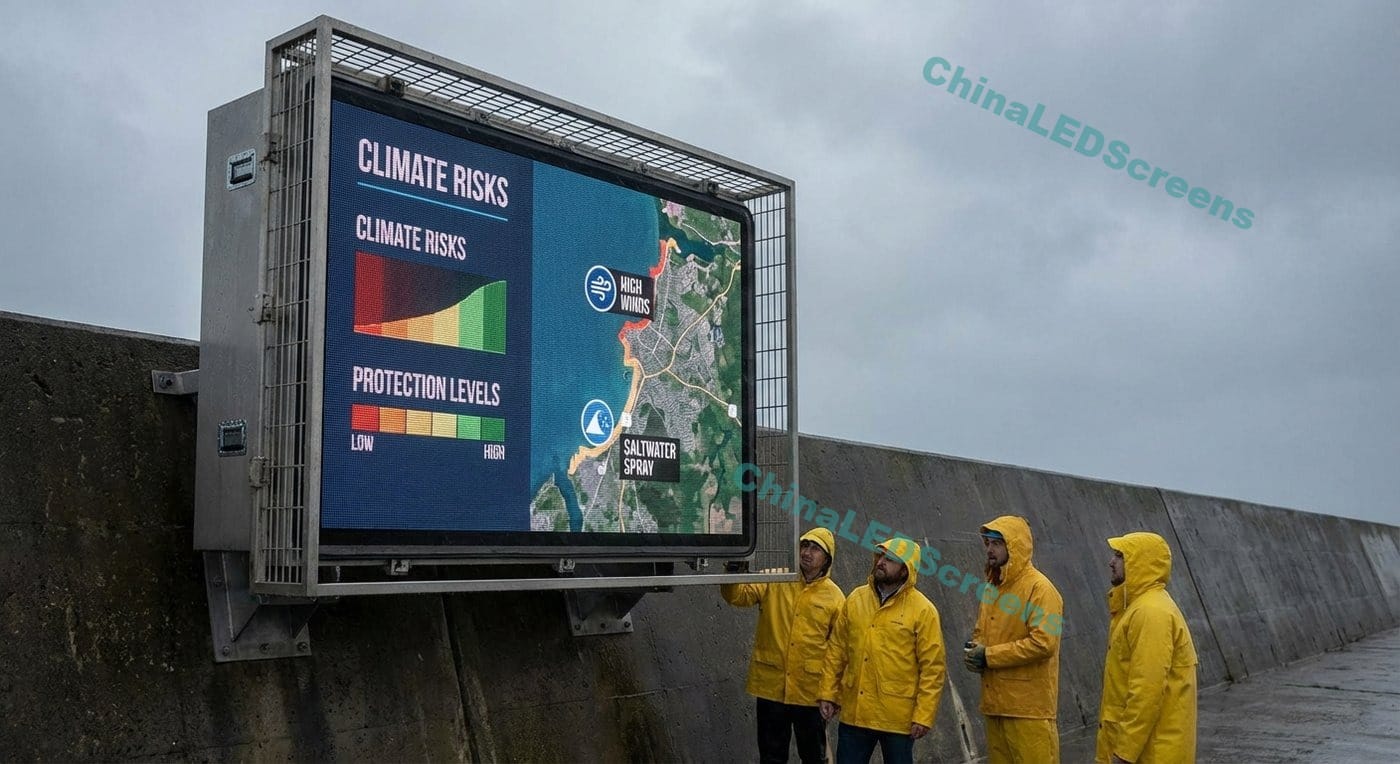
You asked to cover: hot, humid, rainy, sunny, dry, coastal, snow mountain, industrial areas. Here’s the correct way to translate that into specs.
Customers ask for “lamp bead brand” because it affects:
brightness efficiency and heat,
color consistency (binning),
long-term stability.
What to include in inquiry:
preferred LED package brand (if any),
LED type (SMD/GOB/COB/MIP/DIP) and black-face preference,
expected lifetime usage pattern (hours/day).
If you don’t want to specify a brand, specify performance outcomes:
“No obvious color shift off-axis”
“Stable whites and skin tones”
“Maintain brightness under high ambient temperature”
2) Brightness and day/night usability
Brightness is not just “higher is better.” Higher brightness:
increases heat and power design burden,
can shorten LED lifespan if run at full output continuously.
That’s why asking for auto-dimming is often the smarter request, especially outdoors. Typical brightness guidance ranges are shown earlier.
3) Viewing distance + viewing angle
Inquiries should include:
nearest viewer distance (m),
typical distance (m),
farthest meaningful distance (m),
horizontal/vertical viewing angle requirement.
For wide public viewing areas, many products target wide viewing angles; for example, a Planar brochure lists 140°/140° viewing angles for some panels.
4) IC (driver), refresh rate, scan rate, grayscale
These are the “image quality engine” specs.
In practical RFQ language:
“Prefer high refresh (≥3840Hz), stable grayscale at low brightness”
“If camera use: prioritize flicker-free performance”
“If mostly text: prioritize clarity and contrast”
Refresh rates of 3840Hz and 7680Hz are common targets in professional specs.
5) Control system (and what suppliers need from you)
At minimum, state:
synchronous or asynchronous control requirement,
input interfaces (HDMI/DP/SDI),
max input resolution (1080p/4K),
number of screens and whether they must sync.
Also state the content workflow:
Will content come from a laptop? Media server? Broadcast switcher?
Do you need scheduled playback when the PC is off?
6) Power supply and power consumption
Request both:
Typical power (W/m²) and max power (W/m²)
Total power estimation for your screen area
Real datasheets show that typical power can be far lower than max, and max can exceed ~900–1000 W/m² for some products. Industry commentary also highlights that typical consumption depends heavily on brightness settings and content.
If your project is hot, high altitude, or vibration-prone, specify that so the supplier selects appropriate PSU grade.
7) Climate/location + voltage stability
Convert “our city is humid” into numbers:
humidity range,
rainy season duration,
salty air exposure distance to coast,
temperature extremes.
And don’t skip voltage reality:
Many projects fail because the incoming voltage is unstable or grounding is poor.
Ask for surge protection guidance if the site has lightning risk.
Copy-paste LED Display RFQ template (send this to suppliers)